
Origami Tech Updates: New Terminal, Faster Experience, Bot Improvements
Introduction
Over the latest update cycle, Origami Tech introduced a new terminal experience, enhanced TradingView performance, improved trading data accuracy, refined bot behavior, strengthened widget persistence, updated authentication flows, and delivered interface improvements across the product.
We also refreshed the landing page interface, improved blog page loading speed, and continued expanding community engagement through giveaways, Zealy campaigns, and competitions.
New Terminal Experience
The new terminal experience has been rolled out into the main product, bringing a more flexible and customizable trading workspace to Origami Tech.
Users can now create personalized layouts with draggable and resizable widgets, multi-chart setups, and faster access to key trading tools, including manual trading, bots, positions, balances, and market data.
We also added global symbol selection with URL synchronization. Selected symbols can now be reflected in the URL, making navigation, sharing, and session restoration more consistent across the product.
Trading Interface Improvements
We made several updates to simplify order management and improve clarity across the trading interface.
Order Book and Manual Orders layouts were refined to improve readability and reduce unnecessary interface complexity. Order interaction behavior was also improved, including fixes to the order drag menu, making order handling inside the terminal more predictable.
Order History now displays the order placement date, giving users better context when reviewing past activity. Order terminals also include a Time column, making it easier to review order activity chronologically.
Loading behavior in Order History has also been improved, creating a smoother experience when working with historical orders.
Charts and TradingView Performance
TradingView chart performance has been optimized to improve responsiveness and data loading behavior.
We also improved chart state handling, making charts more stable during interaction and navigation. This update fixes cases where order direction could appear inconsistently between the chart and Active Orders.
Position line behavior on charts has also been refined, reducing inconsistent position display and making chart interactions cleaner.
In addition, symbol parsing for chart data has been improved, helping charts handle market symbols more reliably across supported trading pairs.
Bots and Strategy Automation
Bot workflows received a major stability update across strategy management, simulation, and futures/grid bot behavior.
We fixed bot start and stop behavior, improved bot switching after saving grids, and made bot management more predictable across account editing, futures bot detection, table navigation, and workspace switching.
Bot simulation behavior was also improved, including fixes related to cached data. This should make simulation results more consistent and reduce cases where outdated state affects the user experience.
We also improved one-way futures bot position handling and updated grid bot behavior across both UI and logic. These changes make futures and grid bot workflows more stable, especially in scenarios where accurate position handling, bot state, and execution logic are critical.
In addition, we added HIP-3-related bot logic and fixed related bot behavior, improving compatibility and stability for supported trading scenarios.
More Accurate Trading Data
A large part of this update cycle focused on improving how trading data is calculated and displayed.
We improved balance display, USDT handling, rounding, statistics, PnL, aggregation, sorting, dates, and cached values. These fixes make trading data more accurate and easier to interpret.
Tick size handling was also improved, making price-related calculations and trading interactions more accurate across supported markets.
We also fixed issues related to position entry price display and balance aggregation, making positions and balances more consistent across the interface.
Fees, Presets, and Configuration Stability
Origami Tech fee handling has been updated to improve fee calculation accuracy across relevant trading flows.
We also fixed several preset-related issues, including duplicate values, repeated background updates, and unstable saving behavior. These improvements make presets more consistent and reduce configuration errors.
Widgets and Workspace Persistence
Widgets now support account-level aggregation, giving users a clearer overview of values across connected accounts.
The Balances widget also received a pair filter, making it easier to narrow balance data down to specific trading pairs.
Workspace persistence has been improved, so users can switch between projects and workspaces with fewer unexpected layout or state changes.
Widget menu interactions were also refined, with more consistent dropdown behavior and smoother menu handling.
Tables and General Interface Improvements
Tables received improvements across sorting, column behavior, scrolling, overflow handling, and change highlighting.
These updates make table-heavy workflows easier to use and review, especially when working with orders, balances, positions, bots, and historical trading data.
The interface has also been adapted for 1440px screen widths, improving layout balance and usability on common desktop resolutions.
We also fixed global dropdown display issues, improving layering and visibility in overlapping UI areas.
Authentication and Account Experience
The authentication flow has been reworked to improve login stability and session handling.
This includes updates to OTP verification, token management, and refresh logic, resulting in a more reliable sign-in experience.
We also fixed account-related display issues, including cases where the add account button could be shown incorrectly.
Landing Page and Blog Performance Updates
In addition to product improvements, we updated the landing page interface to make the first interaction with Origami Tech clearer and more polished.
Blog page loading speed has also been improved, making it faster and easier for users to access product updates, guides, announcements, and educational content.
Community Activities and Rewards
Origami Tech has also continued to grow its community activities, giving users more ways to engage with the platform and participate in the ecosystem.
New activities are launching in May, including more trading competitions, and a new Zealy campaign. These activities are a great opportunity to earn rewards while testing the new terminal experience, exploring updated bot workflows, and trying the latest platform improvements in action.
Join the Upcoming Activities
If you have not tried the new terminal yet, now is a good time to get involved.
Join the May activities, participate in giveaways and competitions, earn rewards, and test the improved Origami Tech terminal and bots while exploring the latest product updates.
You may also like
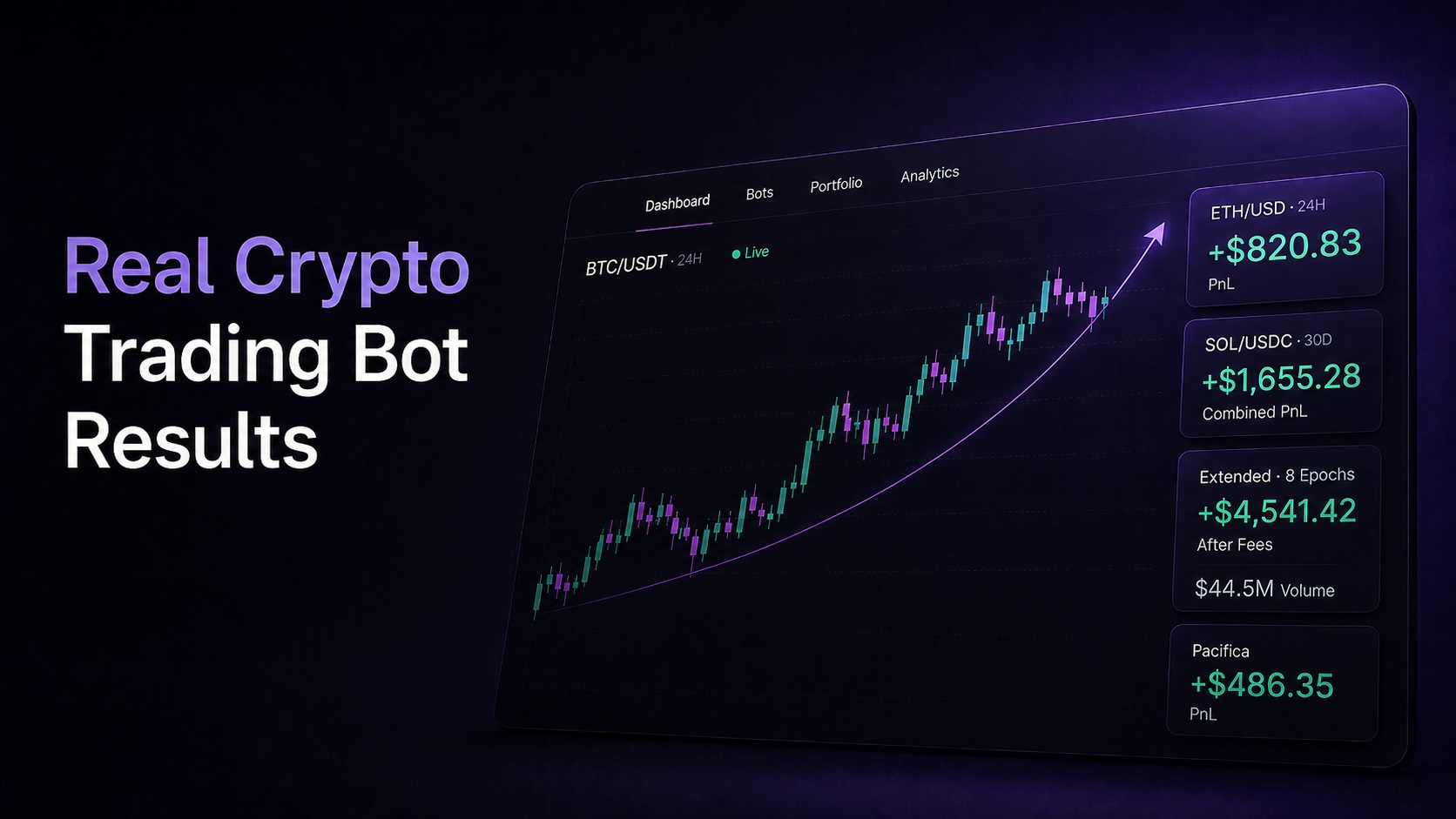
Origami Tech expands automated trading with HIP3 support, new DEX and CEX integrations, UX upgrades, and a broader ecosystem for strategy deployment

.jpeg)
Trade Smarter with Origami Tech
Take your crypto trading to the next level with our powerful automated trading terminal. Maximize profits, minimize risks, and stay ahead of the market 24/7.