
Bitget Trading Bot Platform
Create a Bitget
Crypto Trading Bot with Origami Tech
Use Origami Tech to connect Bitget, create automated strategy rules, and manage crypto trading bots for Spot, Margin, and Futures markets from one workspace


A Practical Automation Setup for Bitget
Bitget gives traders access to Spot, Margin, and Futures markets across a wide range of crypto pairs. Origami Tech adds the automation layer, helping you turn repeatable crypto trading decisions into structured bot workflows
To connect Bitget with Origami Tech, you create API credentials on Bitget, including an API key, secret key, and passphrase. The passphrase is created by you and cannot be recovered, so it should be saved carefully during setup
For Origami Tech integration, Bitget API settings should include Read-only and Trade permissions. Withdraw permissions should not be enabled. This keeps automation focused on market data, account data, and order execution
Bitget lets you bind an IP address to an API key. Origami Tech uses the IP address 15.235.202.52 for this setup, allowing Bitget to accept trading requests from the Origami Tech environment
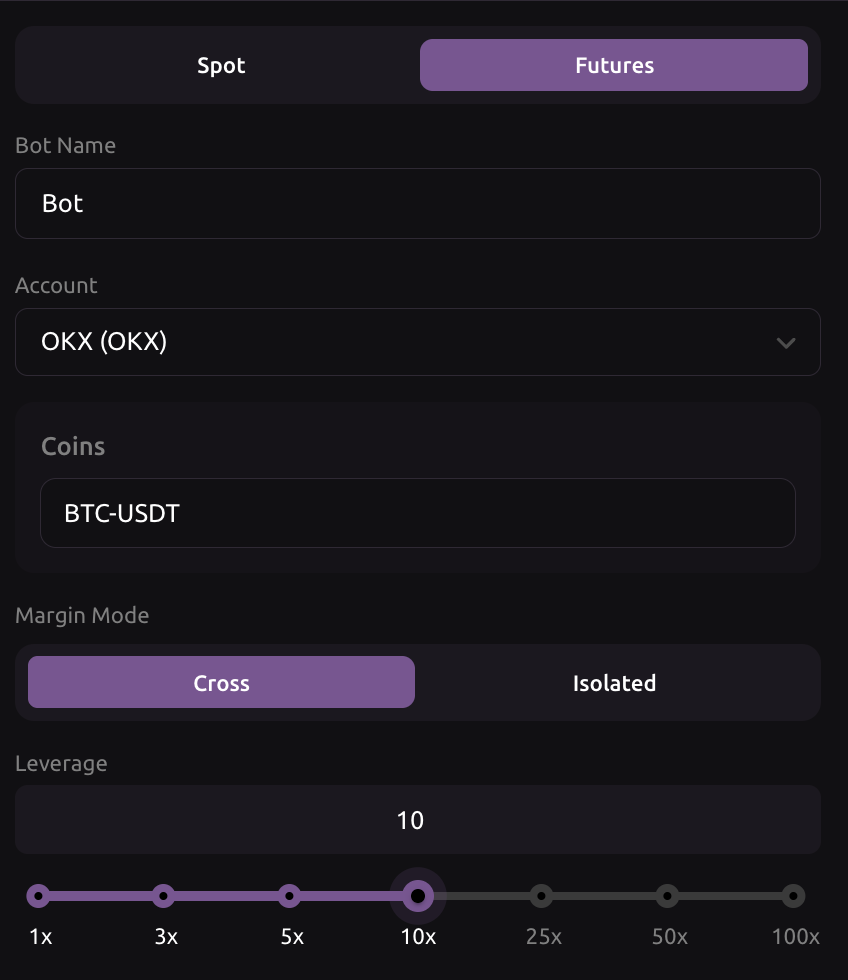
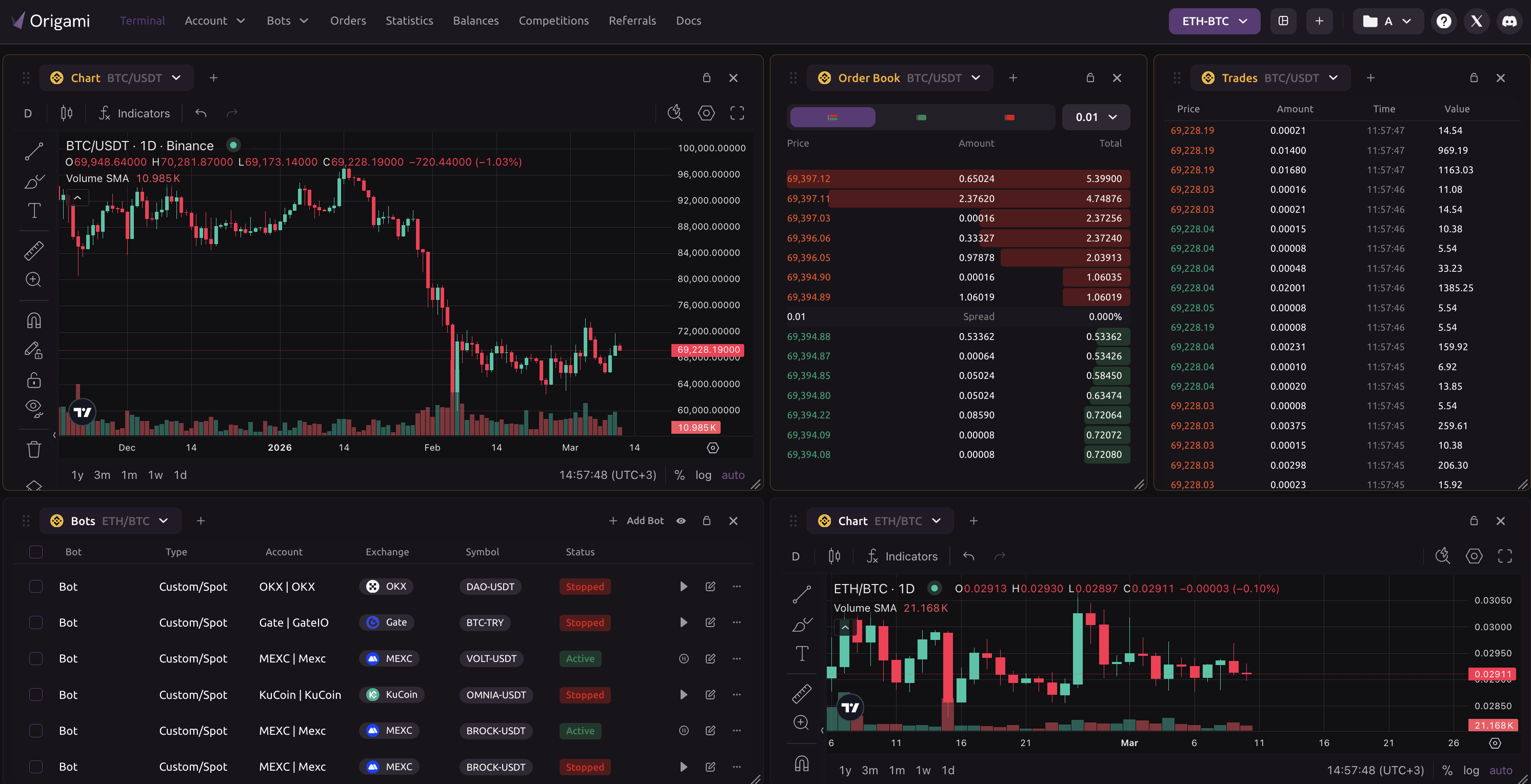
Once Bitget is added to Origami Tech, you can create a bot, choose the Bitget account, select a trading pair, and define the logic. You can start from a preset strategy or build custom rules with formulas, indicators, variables, and conditions
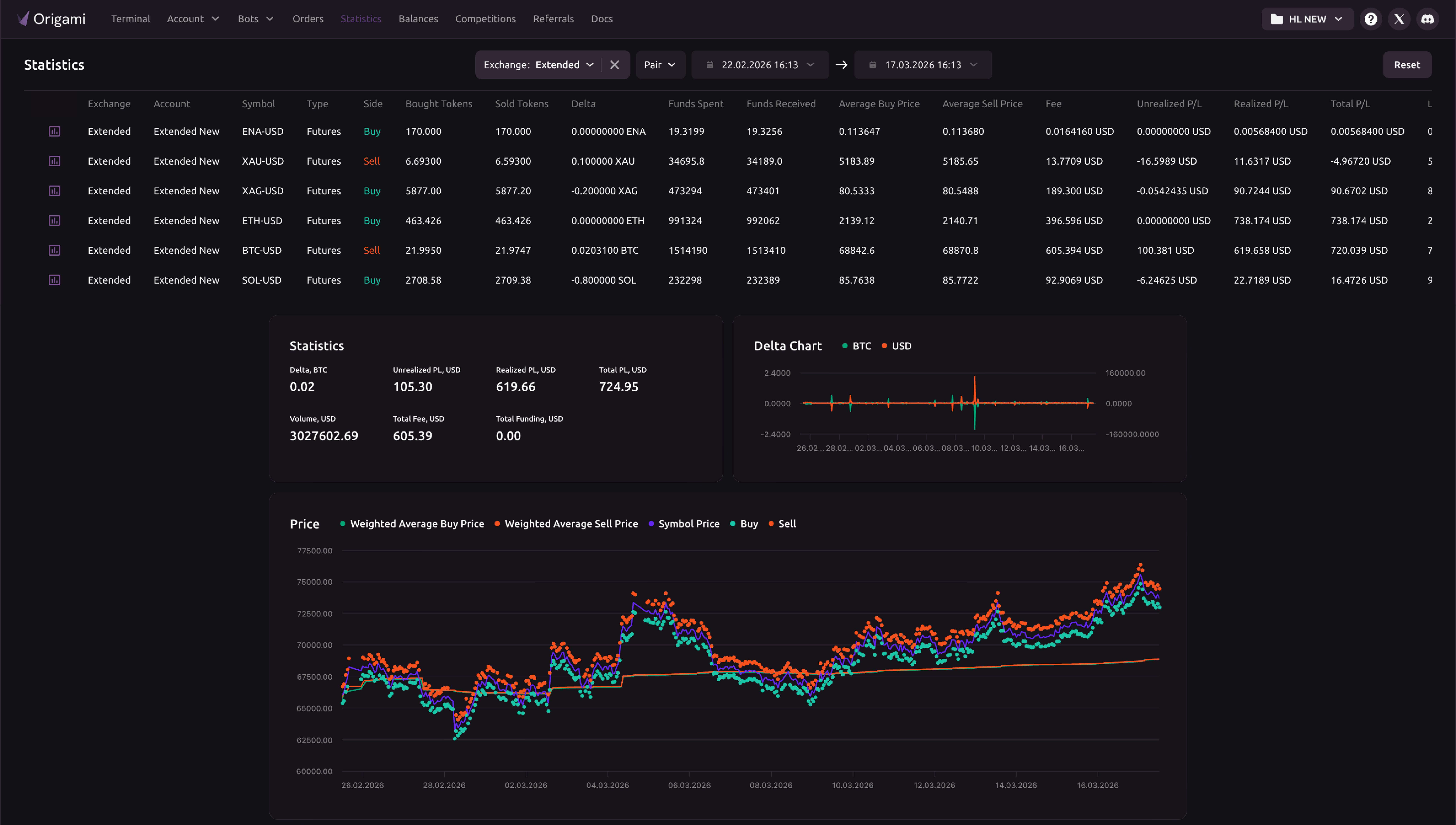
From Bitget API Key to Active Bot
Open Bitget, go to API Key, and create a system-generated API key. Add a name, create a passphrase, enable the required permissions, and save the API key, secret key, and passphrase immediately.
Enable Read-only and Trade permissions for the Bitget API key. Do not enable Withdraw permissions. Add the Origami Tech IP address 15.235.202.52 to the whitelist so requests from Origami Tech can be accepted by Bitget.





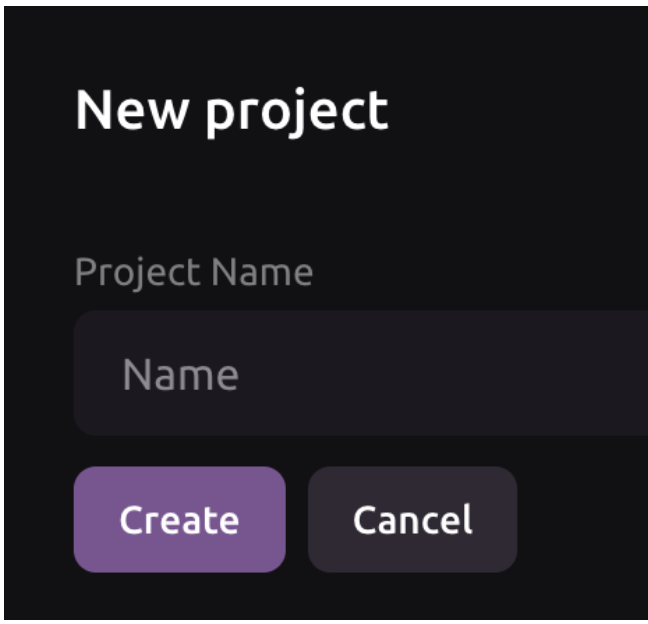
Create or open your Origami Tech project, go to Accounts, choose Add Account, select Bitget, and enter the API Key, Secret Key, and Passphrase exactly as they appear in Bitget.
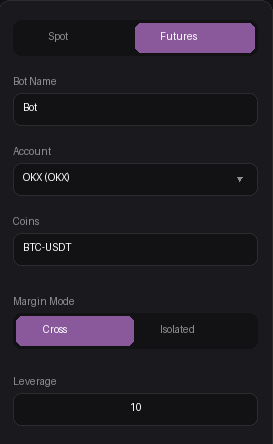
Go to Bots, choose Add Bot, enter a bot name, select your connected Bitget account, choose the trading pair, and define the strategy. Import a preset if you want a faster start, then activate the bot when the setup is ready.





























Bitget Crypto Trading Bot FAQ
You need a Bitget account, an Origami Tech account, and API credentials generated on Bitget. The required credentials are API Key, Secret Key, and Passphrase.
The passphrase is an additional value created when you generate the Bitget API key. You define it yourself, and it cannot be recovered later, so it must be saved before you complete the API setup.
For Origami Tech, enable Read-only and Trade permissions. Withdraw permissions should stay disabled. This allows the platform to read account data and place orders without giving withdrawal access.
Adding 15.235.202.52 to the Bitget API whitelist helps ensure that trading requests are accepted only from the Origami Tech environment. If the IP address is missing, the connection may fail.
Your Bitget account appears in the Accounts section. From there, you can create a bot, select the Bitget account, choose a trading pair, and configure the strategy logic.
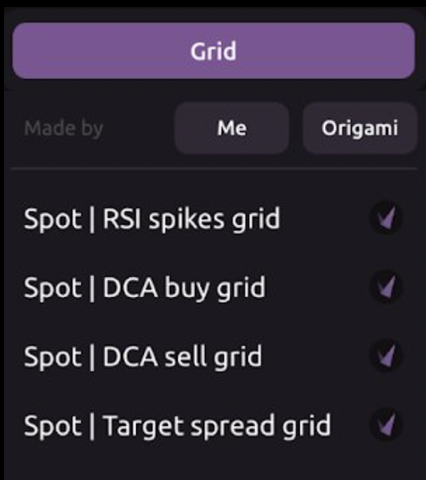
Yes. When creating a Bitget bot, you can import a preset strategy. The preset fills the bot configuration automatically, and you can adjust the values before activating the bot.
Yes. Grid style automation can be configured for Extended markets when the pair has enough rotation and liquidity. You can set the price zone, distance between levels, order volume, buy and sell counts, and exposure boundaries.
Grid Leagues are volume-based trading competitions hosted by Origami Tech in collaboration with blockchain projects. By running automated bots on specific pairs on Bybit (such as VENOM-USDT, SQR-USDT, or DIAM-USDT), you generate volume, climb the leaderboard, and earn a share of massive prize pools paid in USDT and project tokens.
Bitget API settings include Margin access scopes. When using margin based crypto trading, make sure the bot has clear rules for exposure, available balance, and risk boundaries.
Check API permissions, IP whitelist, selected account, trading pair, order size, available balance, strategy rules, and risk limits. If any of these are wrong, the bot may not work as expected.