
Gate Trading Bot Platform
Create a Gate
Crypto Trading Bot with
Origami Tech
Use Origami Tech to automate crypto trading on Gate across Spot, Margin, and Futures markets.
Connect your Gate account, define strategy rules, and manage bot execution from one structured workspace


Automation for Gate Markets and Listings
Gate offers a broad crypto market with thousands of assets, Spot, Margin, Futures, and frequent listings. Origami Tech lets you organize and control strategies for fast listings, thin liquidity, and constant altcoin rotation instead of reacting manually
Many Gate users track new tokens, sector narratives, and smaller markets where conditions can change quickly. Origami Tech lets you prepare rules in advance, so a crypto trading bot can act only when price, balance, indicator, and exposure conditions match the setup
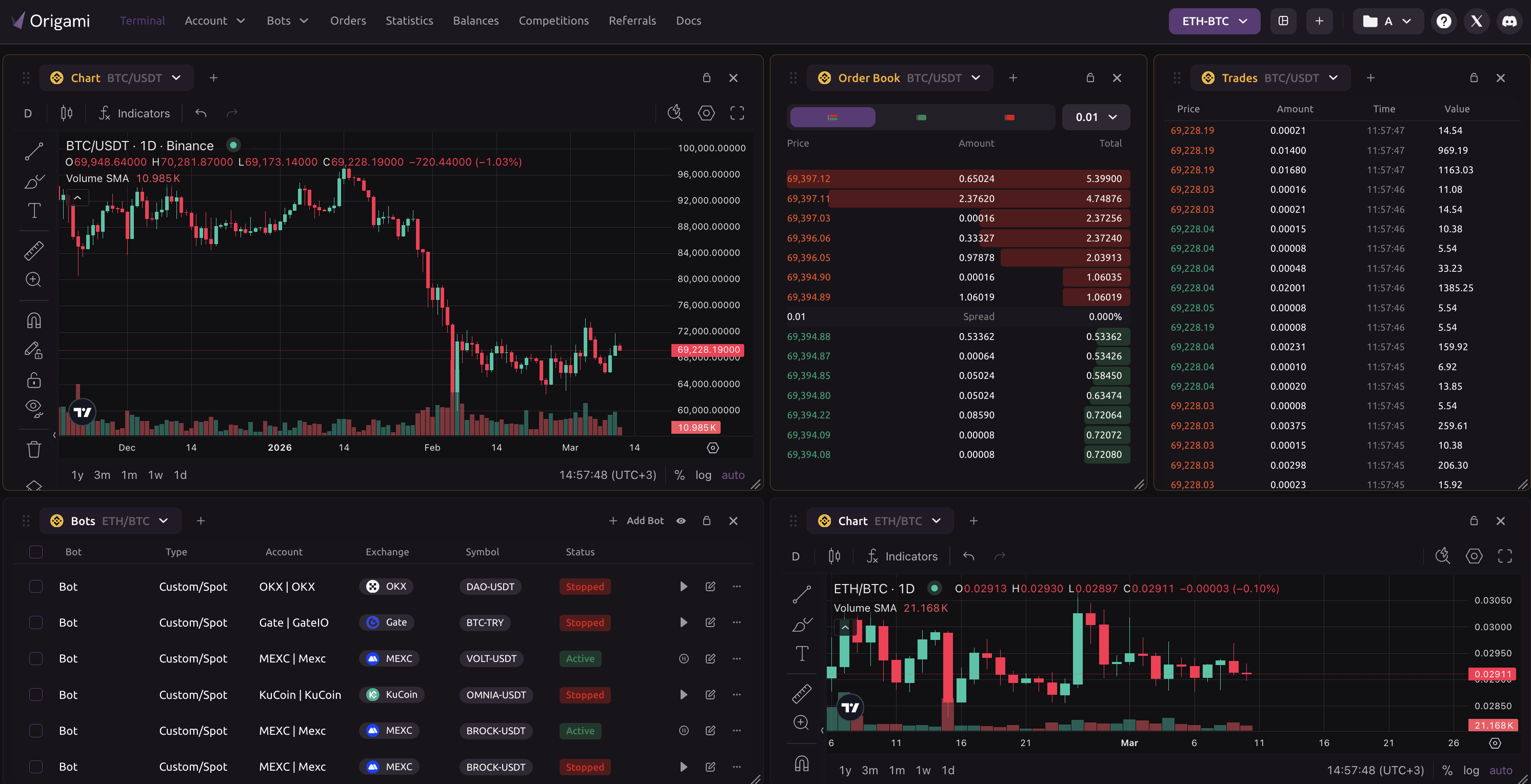
Smaller pairs can have wider spreads, faster price jumps, and weaker liquidity than major markets. A Gate bot should be configured with careful order sizing, entry limits, exit rules, and pause conditions before it is allowed to trade.
Gate supports several ways to trade crypto, and each one needs a different operating model. Origami Tech lets you separate logic for Spot accumulation, Margin based setups, and Futures positioning instead of forcing every strategy into the same format.
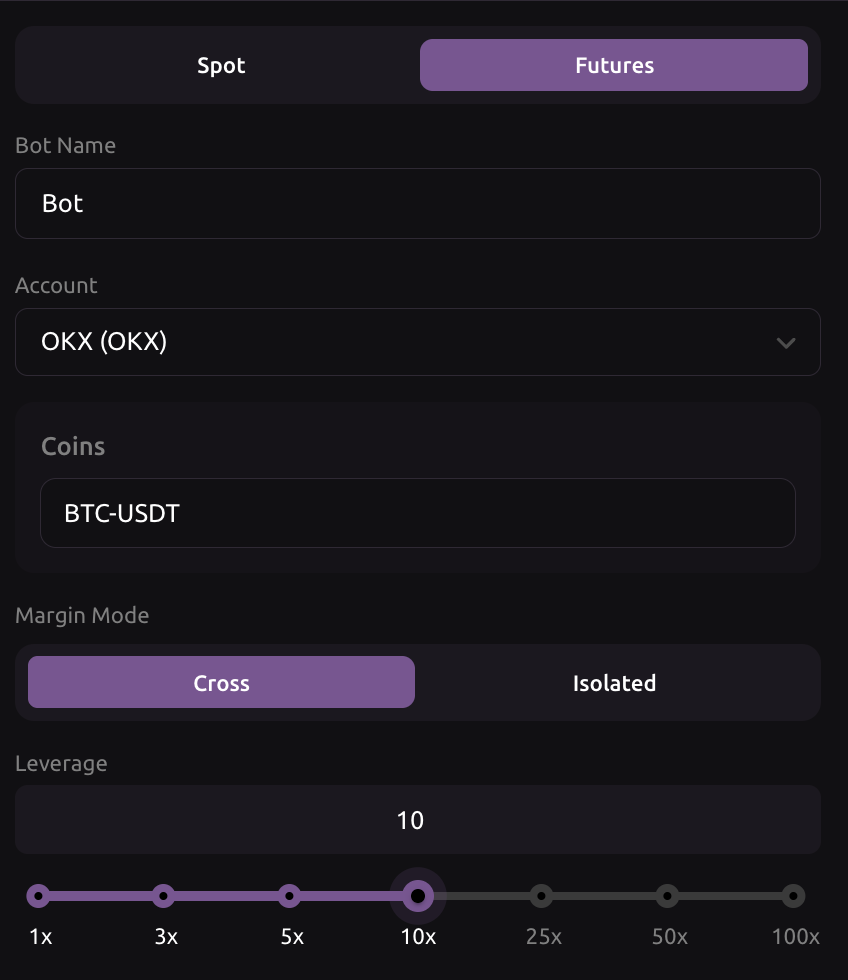
Gate API v4 provides access to market data and trading operations across supported market types. Origami Tech uses connected account permissions to monitor conditions and send orders when your strategy rules are satisfied
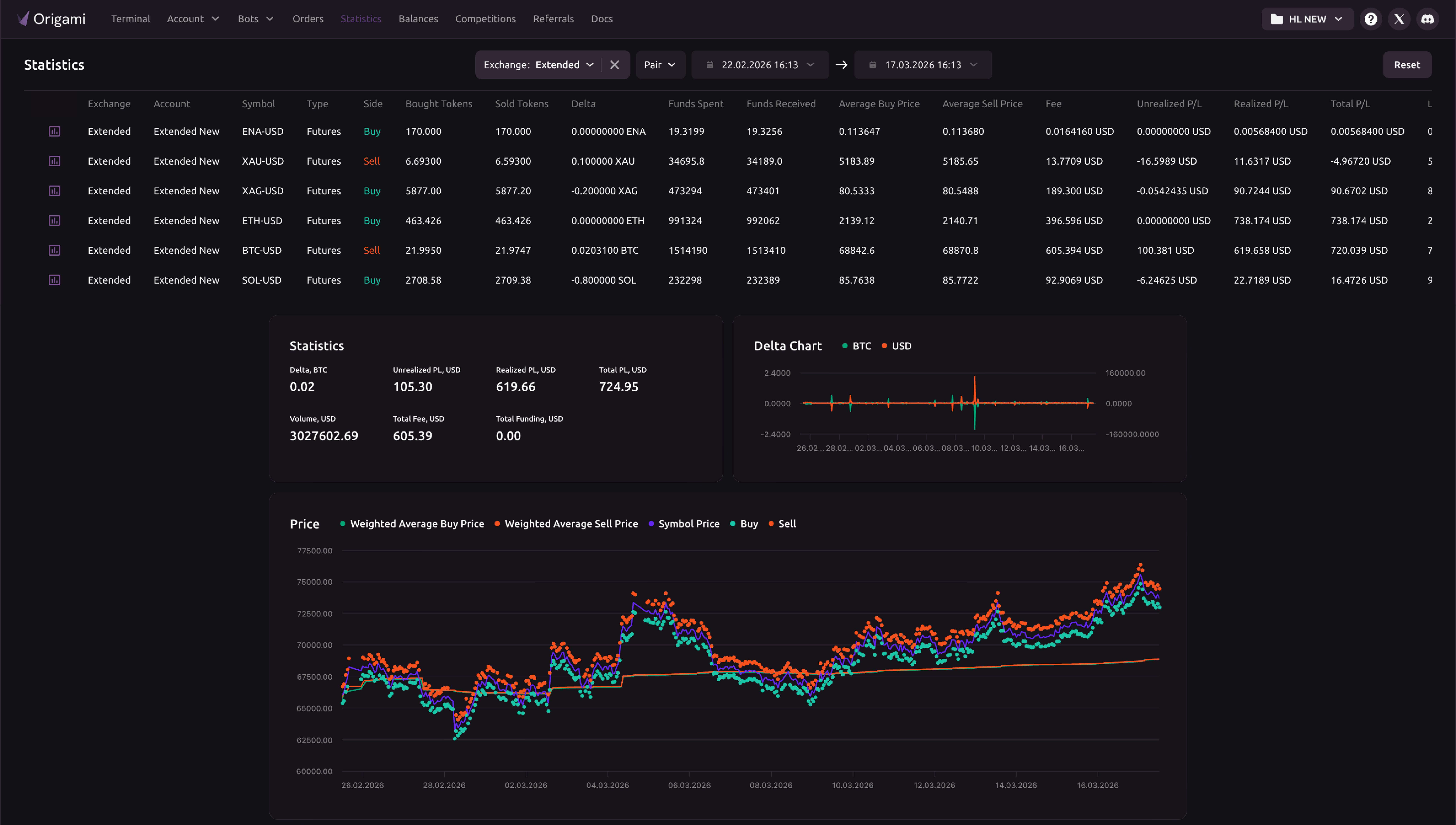
Prepare a Gate Bot Before the Market Moves
Select the asset, pair, and market type you want the bot to trade. For smaller or newly listed tokens, check liquidity, spread behavior, minimum order size, and whether the market fits automation at all.
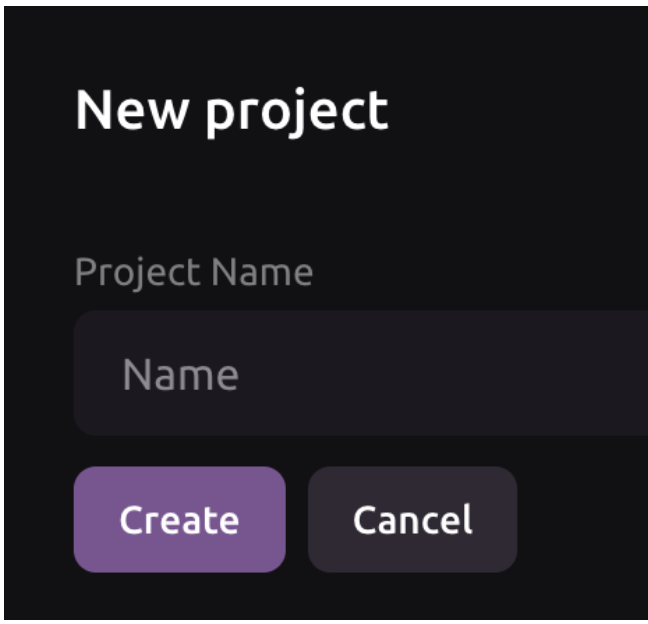
Add Gate to your Origami Tech project using the required API credentials. Keep permissions focused on trading activity and avoid withdrawal access, so the bot can operate without taking custody of your assets.





Set conditions for entries, exits, order volume, exposure, stop behavior, signal handling, and when the bot should stop placing new orders. For volatile altcoins, risk limits matter as much as entry logic.
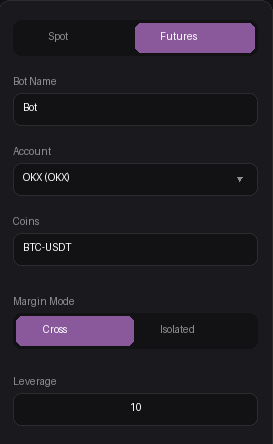
Start the bot, watch first order behavior, review fills, and adjust the setup if liquidity or volatility changes. Automation improves consistency, but Gate markets still need active supervision.





























Gate Crypto Trading Bot FAQ
Yes. Gate can be useful for traders who follow new listings, sector rotations, and smaller crypto pairs. Origami Tech helps structure this activity with predefined rules for entries, exits, order size, exposure, and pauses.
Check liquidity, spread behavior, minimum order size, early price volatility, and whether orders are filling cleanly. A new pair may look attractive, but a crypto trading bot should only run when the market conditions match the strategy.
Use smaller order sizes, avoid oversized market orders, define stricter entry levels, and add conditions that pause the bot when price movement becomes unstable. Thin altcoin markets need more careful execution than large liquid pairs.
Yes. You can create rules for selected altcoin pairs and let the bot act only when predefined conditions appear. This can help organize entries, exits, and exposure limits across several market themes or narratives.
Yes. Spot strategies can be used for accumulation, exits, range movement, market rotation, and signal based crypto trading. Each setup can include balance checks, price rules, indicators, and custom formulas.
Yes. Gate Futures strategies can be automated where supported by account access and market settings. Because leveraged crypto trading increases risk, the bot should include position limits, stop behavior, margin awareness, and maximum exposure.
Yes, where supported. Margin based automation should be configured carefully because borrowing and exposure can increase downside risk. The bot should include balance checks, invalidation rules, and clear exit conditions.
Yes. Alerts can become structured actions in Origami Tech. A signal can open a trade, reduce exposure, close a position, pause the bot, or update execution logic depending on how the strategy is configured.
Yes, but small cap markets require conservative settings. Lower liquidity can increase slippage and failed execution risk, so bot rules should include smaller order sizes, stricter limits, and clear stop conditions.
No. Assets remain on Gate. Origami Tech works through connected trading permissions and does not require deposits into the platform.
Watch first fills, active orders, balance usage, unrealized results, exposure, and whether the market still fits the strategy. This matters especially for new listings and volatile altcoin pairs.