


Your First Crypto Trading Bot in Five Minutes
.jpeg)
Introduction
There are plenty of reasons you might want a trading bot. Depending on your goal, a trading bot can help you:
- React to market signals like RSI spikes - Accumulate or distribute positions using DCA - Maintain spreads and provide liquidity - Participate in trading competitions - Execute repeatable strategies without manual intervention
Origami Tech presets are designed for exactly this purpose.
Instead of starting from scratch (which you can with Origami Tech if you’d like), you can import ready-made strategy templates and adapt them to your own logic, risk limits, and market conditions.
In this article, we’ll walk through:
1- Connecting your exchange account to Origami Tech
2- Creating a trading bot
3- Picking a preset (from our list of plug and play strategies)
4- Deploying your bot
Connecting Your Exchange Account to Origami Tech
First, you'll need to create an account on origami.tech. Once you’ve done that, click on “Account” and then “Add Account.”
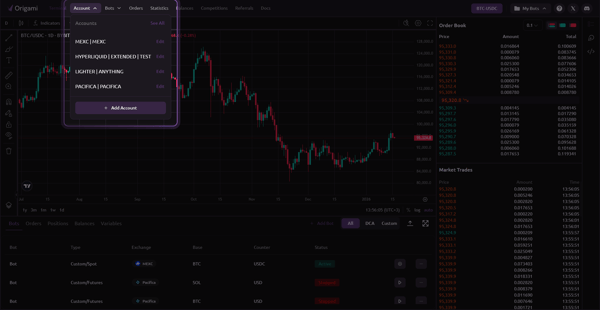
Choose your exchange from the list at the top. We support a range of CEXs and DEXs. We'll be connecting to a DEX (Pacifica) for the guide.
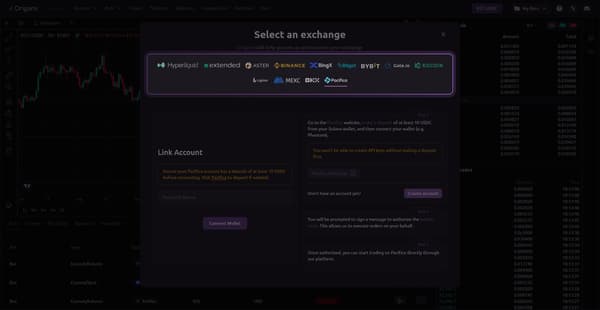
Then follow the instructions on the right side of the popup screen. Once you’ve followed all instructions, your account should be connected.
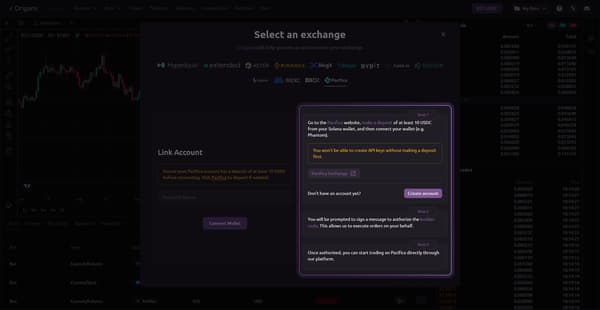
Creating Your Trading Bot
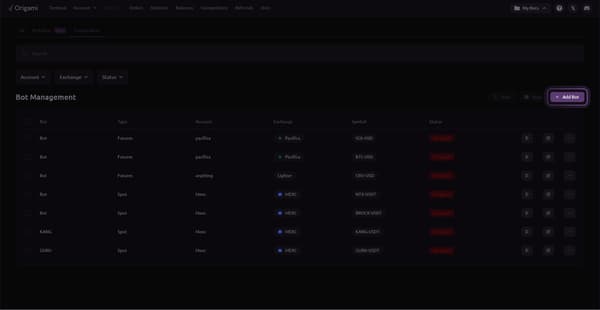
On Origami Tech’s homepage, click on “Bots” from the top horizontal menu, then on “Custom Bots”
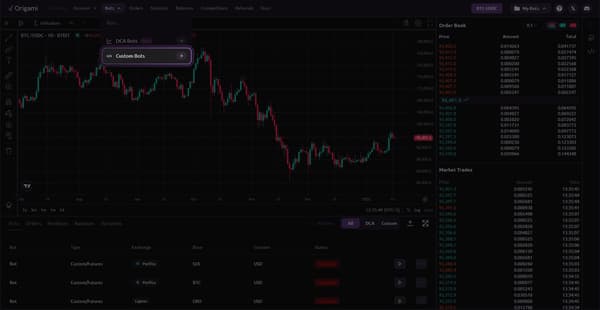
Then click “Add Bots”
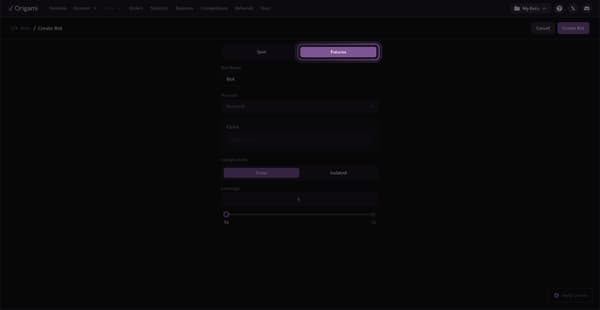
Once you’re on the bot-creation screen:
- Click on futures (if you're using a DEX)
- Give your bot a name
- Choose the account you’ve just created
- Pick your trading pair
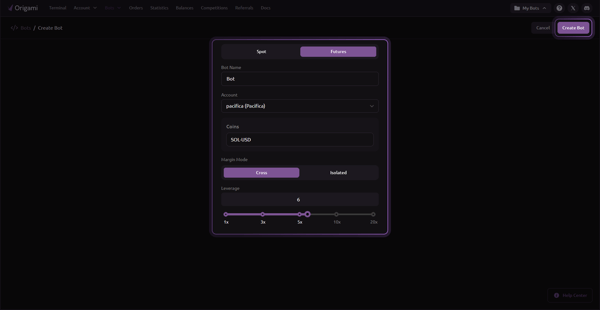
A couple of important notes:
- Make sure your account has the token you’re trading, otherwise your balance won’t be sufficient and your bot won’t be making any trades. If you connected a subaccount to your Origami tech account, then make sure your balance is on your subaccount and not your main account.
- Second thing to be mindful of, if tokens aren't loading for you, switch to the "Futures" tab at the top.
Once everything’s filled, click on “Create Bot” located at the top right corner
Now you’re ready to pick your preset
Picking a Pre-Made Preset
Once you’re on the strategy screen, click on “Import Preset.”
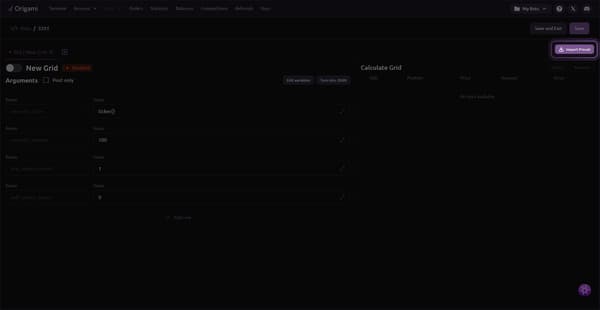
Here you can see a list of presets available. We're consistently adding to this list so keep checking back for pre-configured strategies for any market condition.
We'll pick the preset labeled "Futures | Hedge mode | Crazy bot."
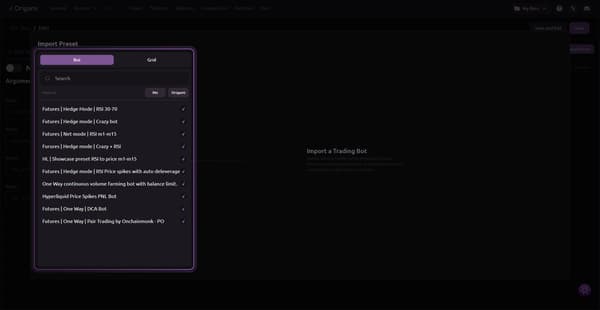
Each preset has a description letting you know what it does.
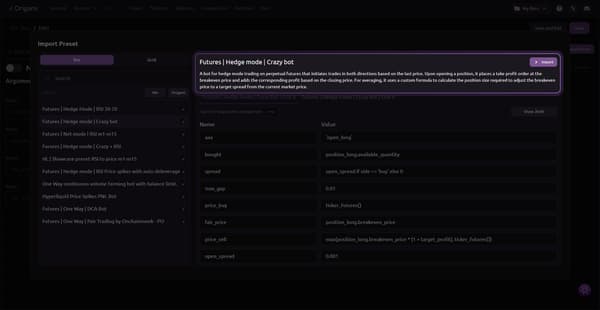
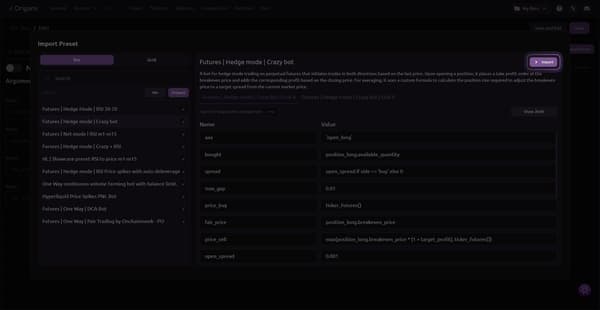
Next, you'll need to click on "Import" on the next two screens.
Make sure there are no errors when the bot deploys by clicking on the "Research" button. In this example, we can see an error indicating a problem with the balance. Your account should have the base token you've picked, otherwise your bot cannot make any trades.
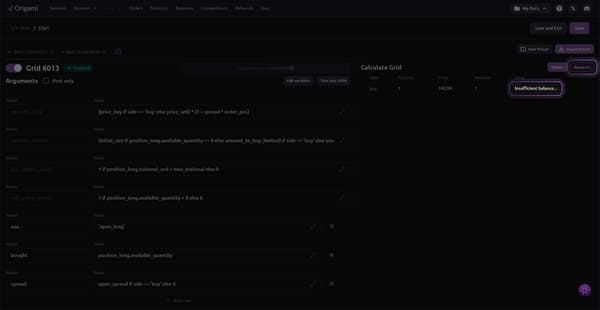
Once you've made sure there are no more errors displayed, click on "Save and Exit."
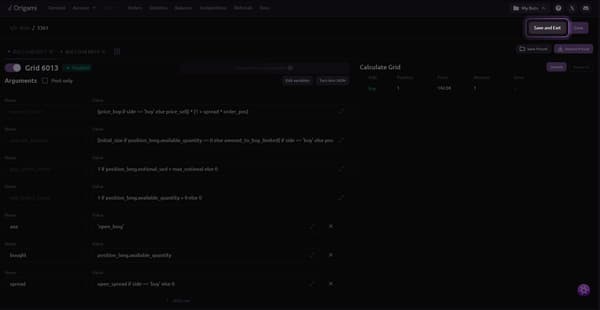
You'll then be transfered to your bots list. To deploy your bot, click on the play icon.
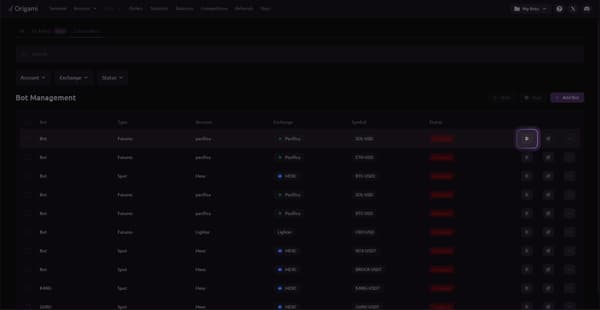
Once your bot's status is "Active," your trades should go through according to the strategy configured.
You may also like




Trade Smarter with Origami Tech
Take your crypto trading to the next level with our powerful automated trading terminal. Maximize profits, minimize risks, and stay ahead of the market 24/7.